Beauty, Wellness & Health Reputation Management Software
More reviews. More clients. More revenue.
Build a 5-star reputation and grow your clientele with GlossGenius — the platform built to put you in control of your brand.
.webp)
.webp)
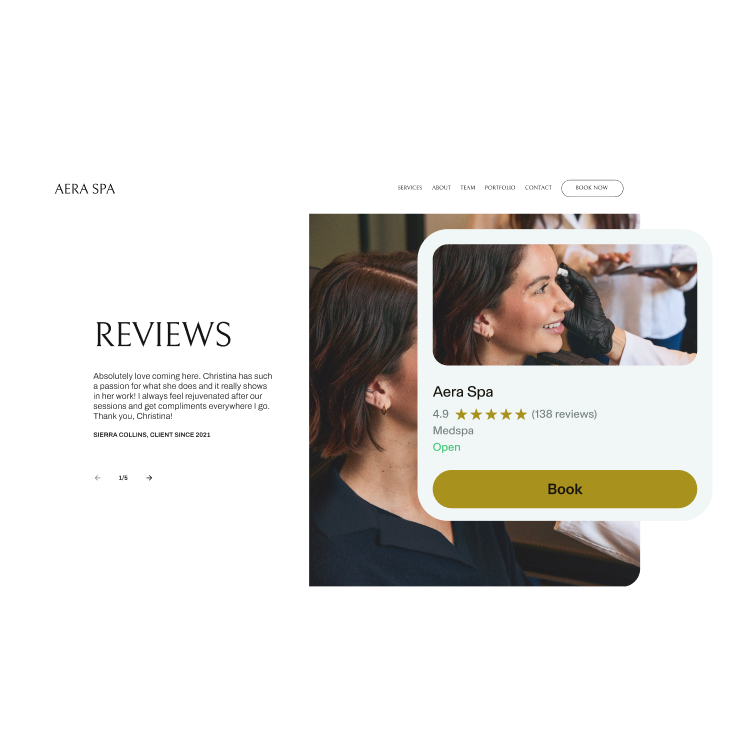
Automated Review Prompts
Get more client reviews without ever asking
Automatically request reviews with every receipt and direct them to your GlossGenius Website or Google Business Profile.
.webp)
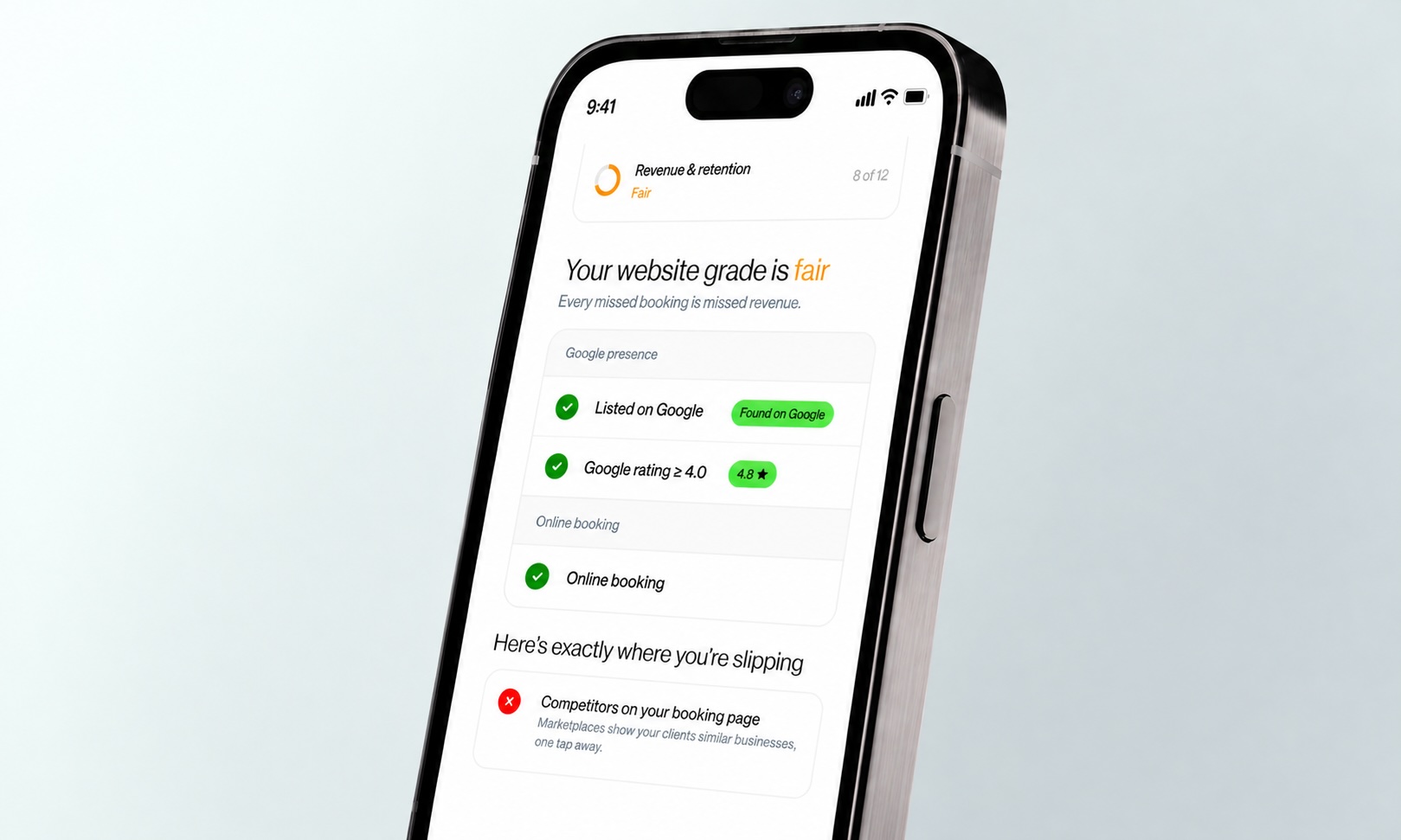
Reserve With Google
Boost your SEO and book more clients on Google
Build your reputation, reach more clients, and drive traffic to your website by linking your GlossGenius account and Client Reviews to your Google Business Profile.
.webp)
"I’m solidly booked for 4 plus weeks out. My new clientele has grown because I have linked my reviews with Google, and when people search for hair in my area, I have a strong presence. I couldn’t imagine making this much of an impact without GlossGenius working behind the scenes."
.webp)
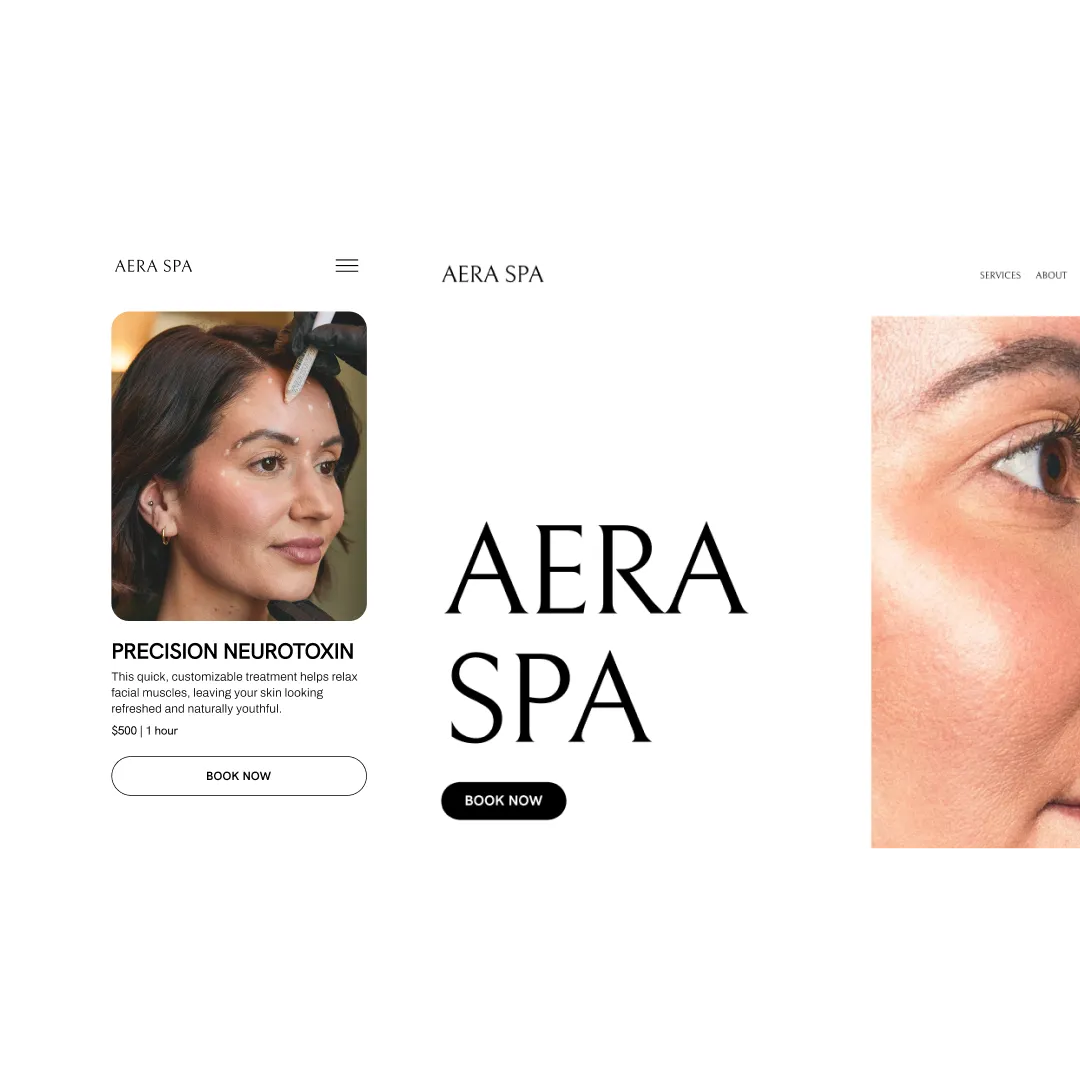
GlossGenius Booking Website
Book more clients fast with frictionless online booking
Stand out from competitors with login-free client booking on your GlossGenius Booking Site, combining professional design with effortless functionality.
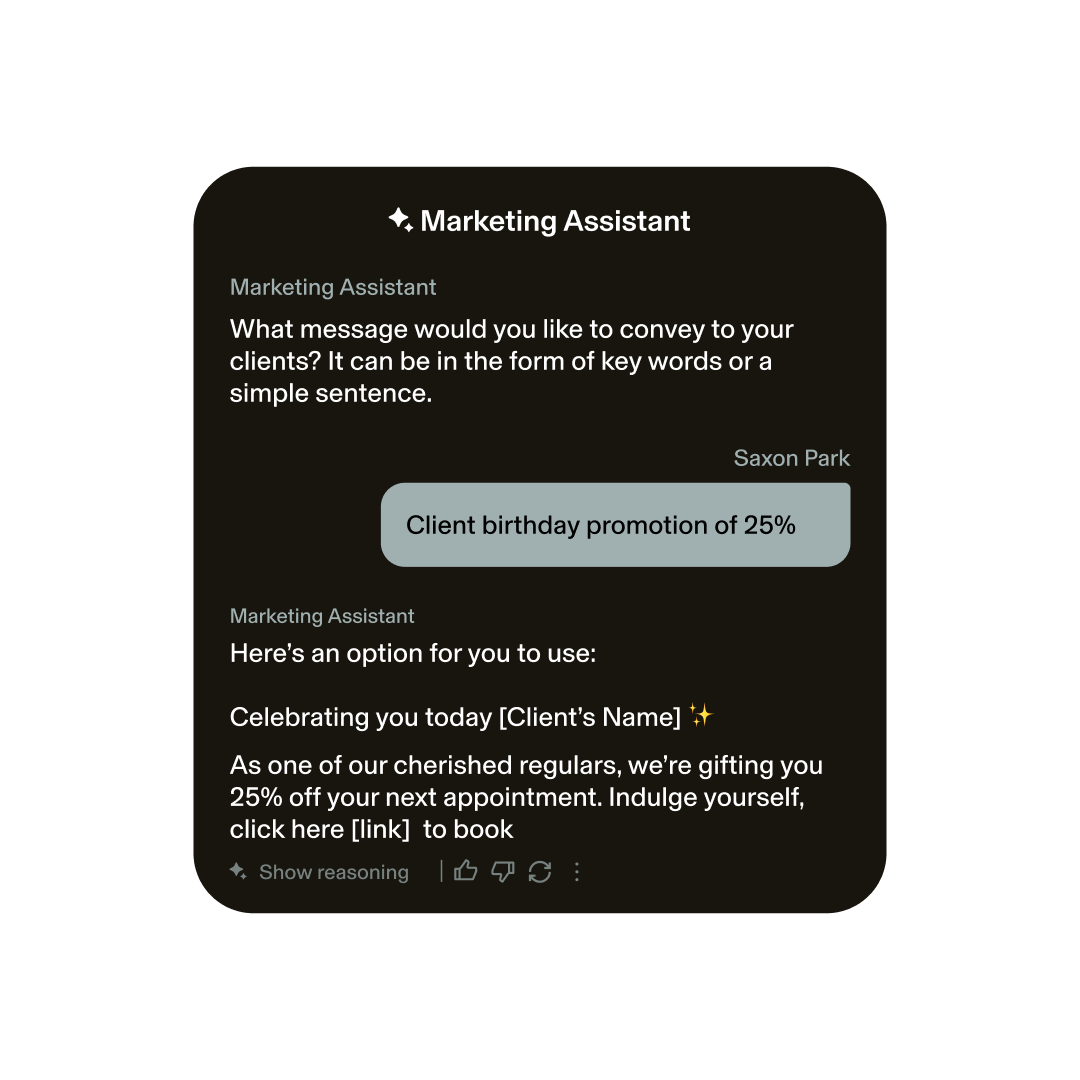
AI-Powered Marketing
Keep clients engaged with targeted Email & Text Marketing
Craft campaigns in seconds using our marketing assistant. Offer promotions, share updates, and send personalized birthday emails to boost bookings and retention.
Learn more about beauty, wellness, and health client reviews
.webp)

Switching to GlossGenius has never been easier
Sign up for our free data transfer service, and we’ll import all of your appointments, services, inventory, and client lists for you.
Grow more with GlossGenius
Frequently asked questions
Can I have multiple forms?
With Genius Forms, you can create multiple forms from one template. Although you will see all questions listed on the Genius Forms screen, your clients will only receive questions related to the service(s) they booked.
What does my Genius Form look like to clients?
Your clients will receive a streamlined form that’s only applicable to their appointment, based on the controls set on your end.
What questions should I ask on my forms?
Not sure what to cover? Genius Form will automatically suggest questions based on your speciality, whether you have one or many.
Can I customize the questions on my Genius Forms?
Yes! To edit or delete a suggested question, simplify swipe left on it. To add a new question, tap the “plus” icon on the upper-right hand corner. You can also customize questions based on services, frequency and if they're required to answer.
How do I make sure my client fills out the form?
Track which clients have completed their form questions through the appointment screen. A green check mark on Form Results will indicate that a client has completed the form. You can easily remind clients by resending the form.