Online Intake Forms & Waivers Software
5-star service starts at check-in
Streamline client intake, protect your business, and personalize every visit with Forms & Waivers built right into booking — no redirects, no third-party tools.

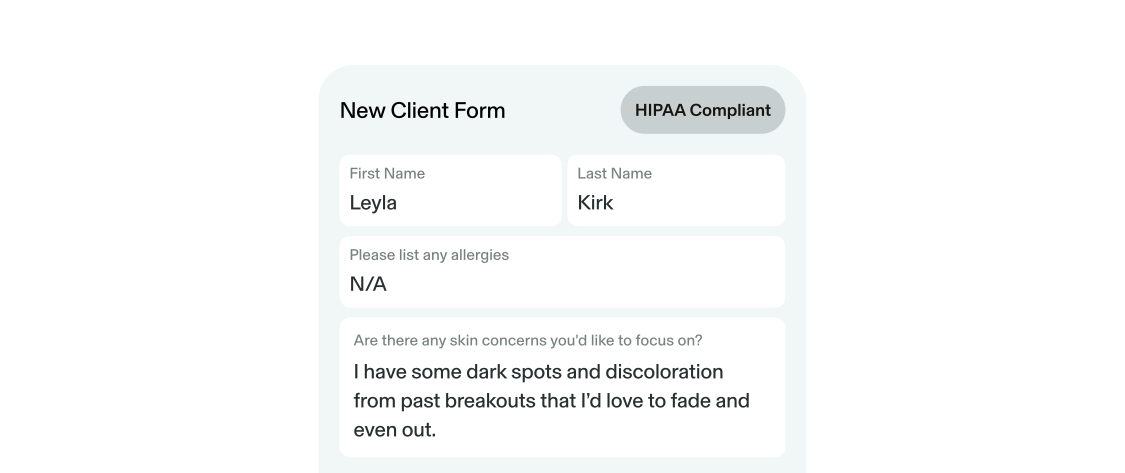
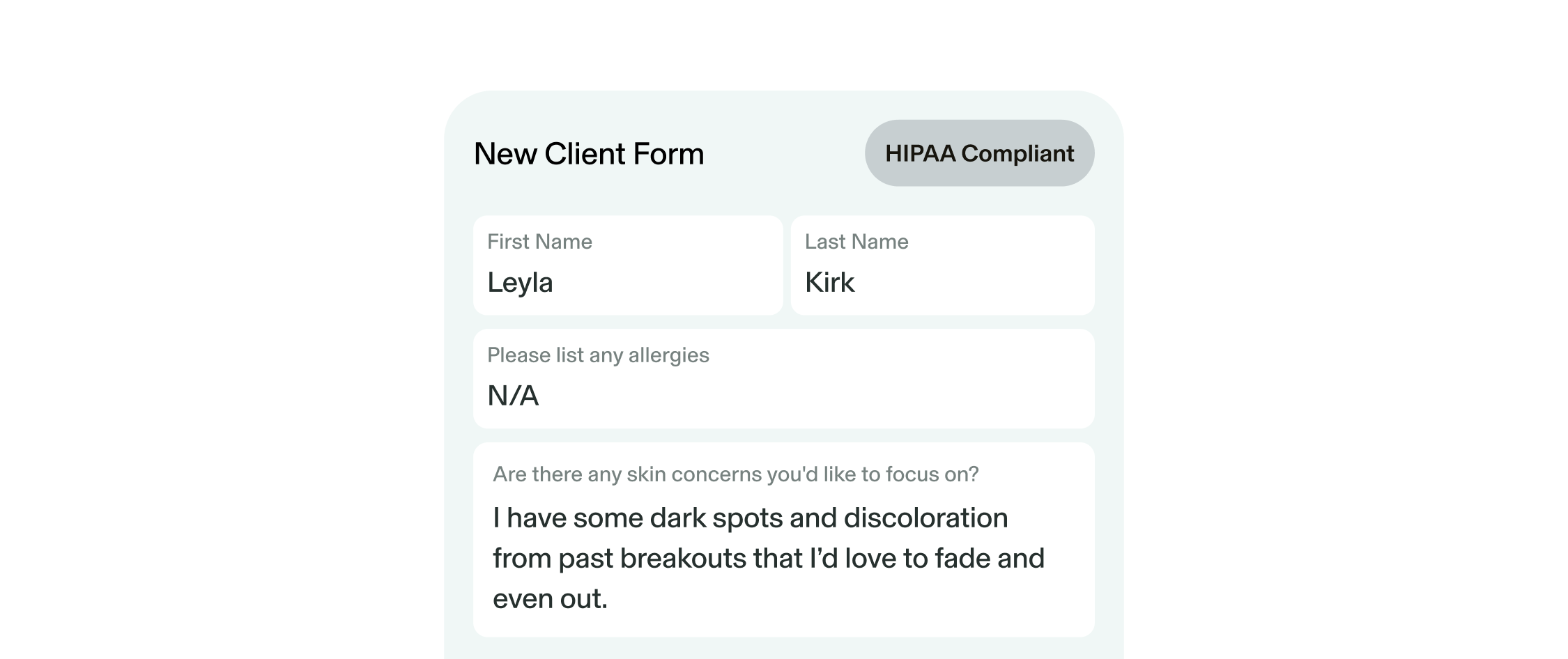
Smart Liability Protection
Build custom Forms & Waivers in a click
Create HIPAA-compliant intake Forms & Waivers in seconds. Build your own or save time with ready-made templates for general liability, photo/video releases, and more.
.png)
Legally Binding E-Signatures
Stop chasing paper signatures at check-in
Keep check-ins smooth and your practice protected with legally binding client signatures. Require signatures by service, track completions, and stay organized.
.png)
Beauty, Wellness & Health Client Intake Forms
Get everything you need at booking
Make sure you never miss a detail with custom Forms & Waivers built into your booking flow.
.png)
Smart Client Profile Management
Never let important details slip
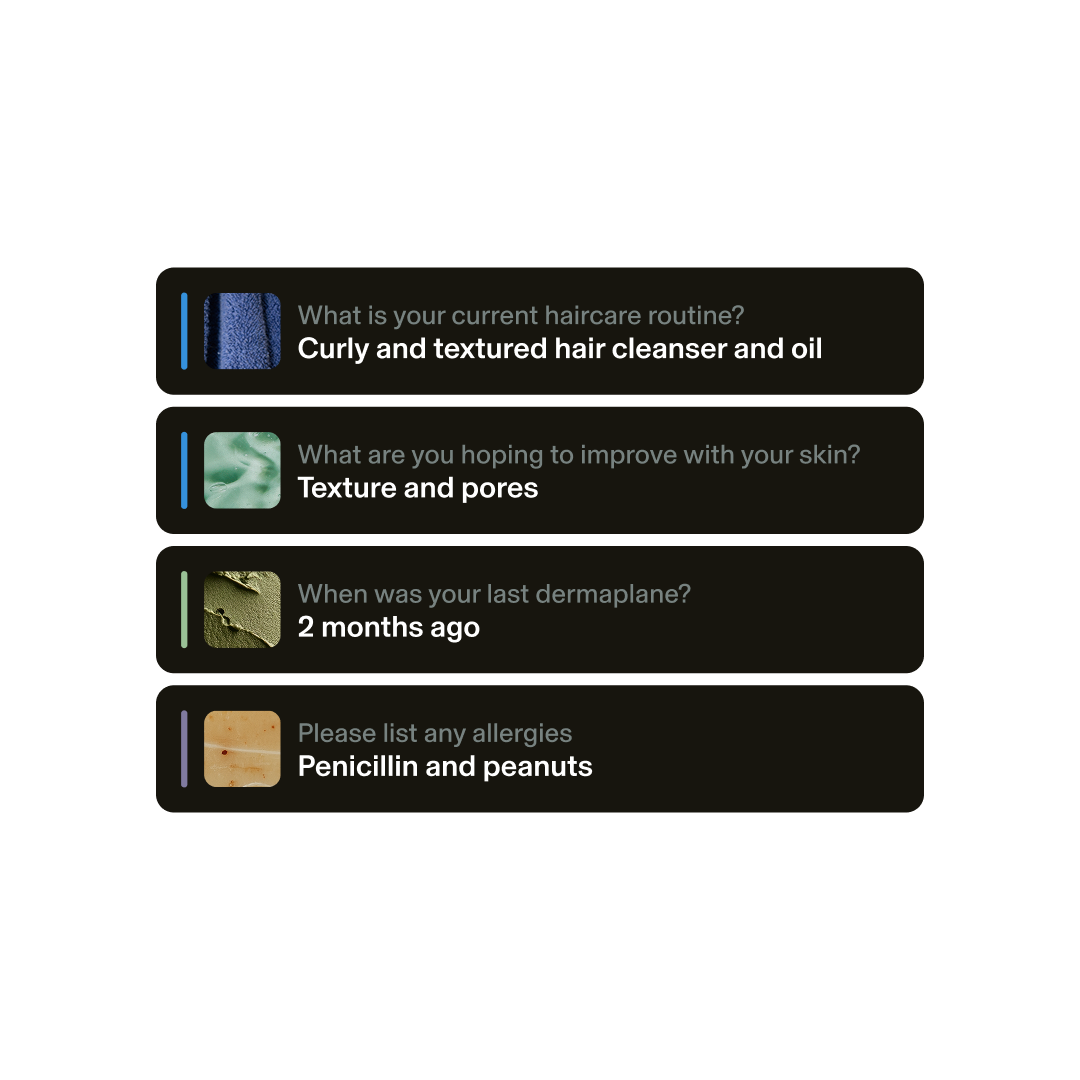
Pin key questions to Client Profiles to stay organized and access essential details whenever you need them.
“Gloss waivers has changed my business for the better. I am able to have waivers on file for each client to cover my business and liabilities. The forms also allow my clients to communicate anything I may need to know prior to their appointment so I may be properly prepared to service them.”
.png)
“The waivers are a game changer. Everything needed to simplify and streamline your clients booking experience and elevate your business!”
.png)
Learn more about Forms & Waivers



Switching to GlossGenius has never been easier
Sign up for our free data transfer service, and we'll import all of your appointments, services, inventory, and client lists for you.
Grow more with GlossGenius
Frequently asked questions
Can I have multiple forms?
With Genius Forms, you can create multiple forms from one template. Although you will see all questions listed on the Genius Forms screen, your clients will only receive questions related to the service(s) they booked.
What does my Genius Form look like to clients?
Your clients will receive a streamlined form that’s only applicable to their appointment, based on the controls set on your end.
What questions should I ask on my forms?
Not sure what to cover? Genius Form will automatically suggest questions based on your speciality, whether you have one or many.
Can I customize the questions on my Genius Forms?
Yes! To edit or delete a suggested question, simplify swipe left on it. To add a new question, tap the “plus” icon on the upper-right hand corner. You can also customize questions based on services, frequency and if they're required to answer.
How do I make sure my client fills out the form?
Track which clients have completed their form questions through the appointment screen. A green check mark on Form Results will indicate that a client has completed the form. You can easily remind clients by resending the form.